Home · Lessons · Objects & Still Life
How to Draw a Desk Still Life
A free step-by-step lesson in 6 steps — about 20 minutes with just a pencil, an eraser and paper. Draw the light shapes first; they get erased at the end.
The 6 steps

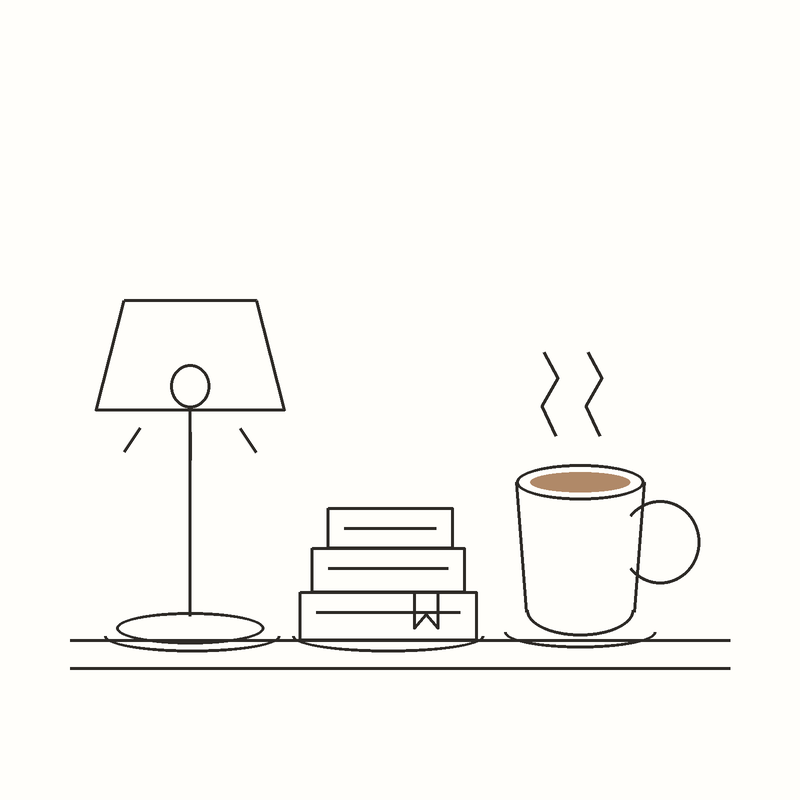
Boss lesson! Rule the desk line, then plant the lamp on the left: oval base, straight stem, trapezoid shade.

Stack three books in the middle, each a little narrower than the one below.

Set the mug on the right — tapered body, C handle, and a fill of dark coffee.
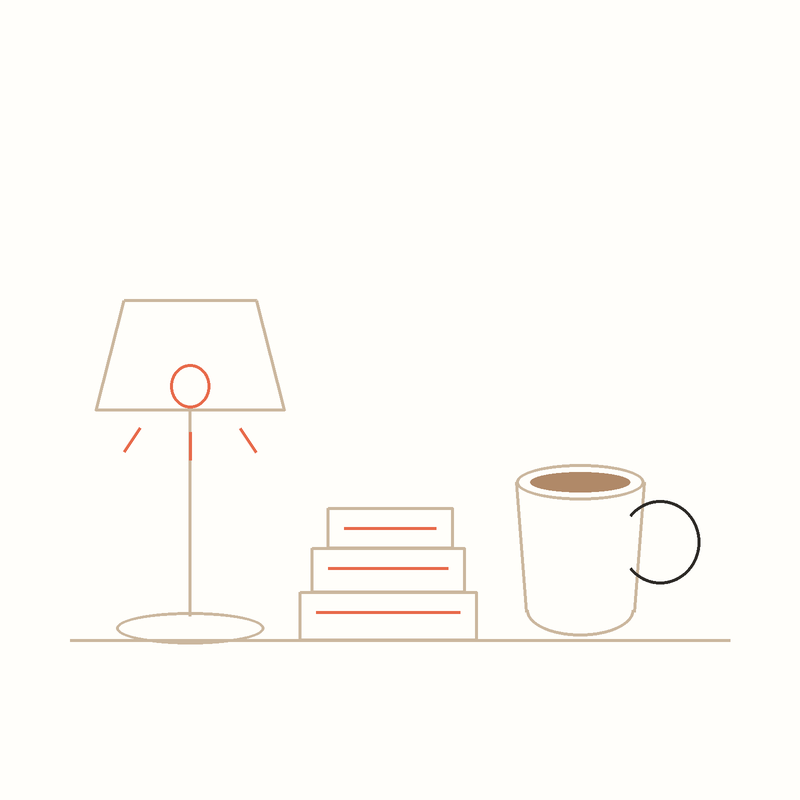
Switch the lamp on: a bulb peeking under the shade, glow ticks, and page lines on every book.
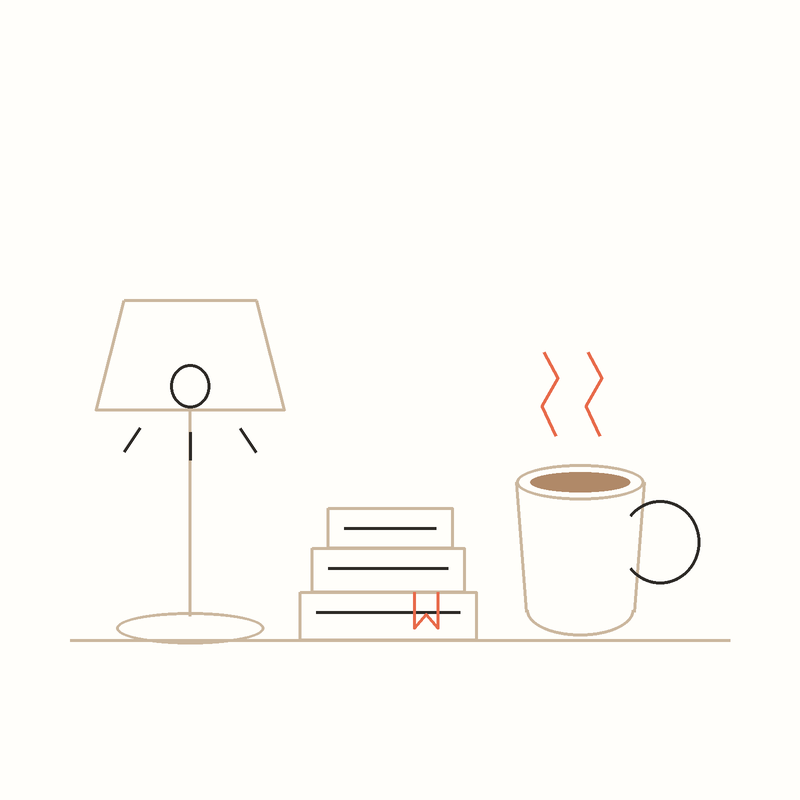
Add steam curling from the mug, and a ribbon bookmark hanging from the middle book.
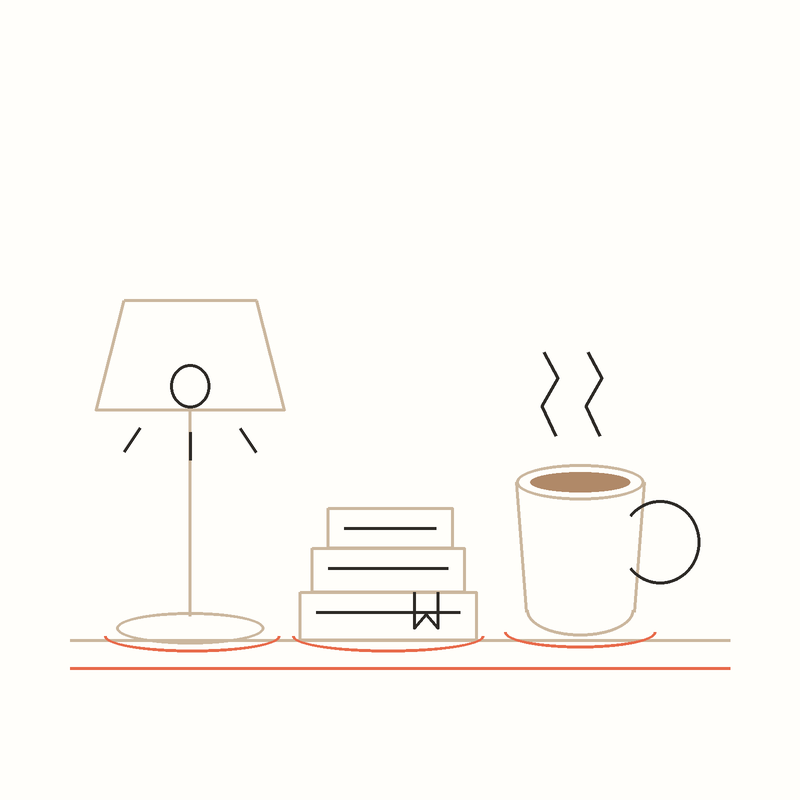
Ground everything with a soft shadow arc under each object, and draw the desk's front edge.
Coach tips for this lesson
Before you call it done, run these three checks — they're the same ones the app asks in its Coach Check:
- Does every object rest on the same desk line, with nothing floating or sunk?
- Are the three objects spaced like a story — tall lamp, middle books, mug — with breathing room?
- Do the shadows sit directly under each object, matching its width?
In a still life, one shared ground line is the whole illusion. The lamp base, the bottom book and the mug must all touch the desk line at the same height — if one object floats a few millimetres above it or sinks below, the desk falls apart. Draw the line first and plant everything on it.
Good still lifes have rhythm: a tall shape, a middle shape, a small shape, with uneven gaps that let each object breathe. If everything is the same height or evenly spaced like soldiers, the picture goes flat. Vary heights and gaps on purpose.
A shadow belongs directly beneath its object, about the same width, hugging the ground line. A shadow that's drifted to one side reads as a hole or a puddle instead. Centre each shadow arc under its object and keep it shallow.
Finish this lesson in the app
In the free Draw.guru app you can trace this lesson on screen for an instant score, or photograph your paper drawing and overlay it on the reference with Smart Compare. Join the waitlist for launch.
One launch email, that's it. No spam, unsubscribe any time.