Home · Lessons · Nature & Landscapes
How to Draw a Tree
A free step-by-step lesson in 6 steps — about 10 minutes with just a pencil, an eraser and paper. Draw the light shapes first; they get erased at the end.
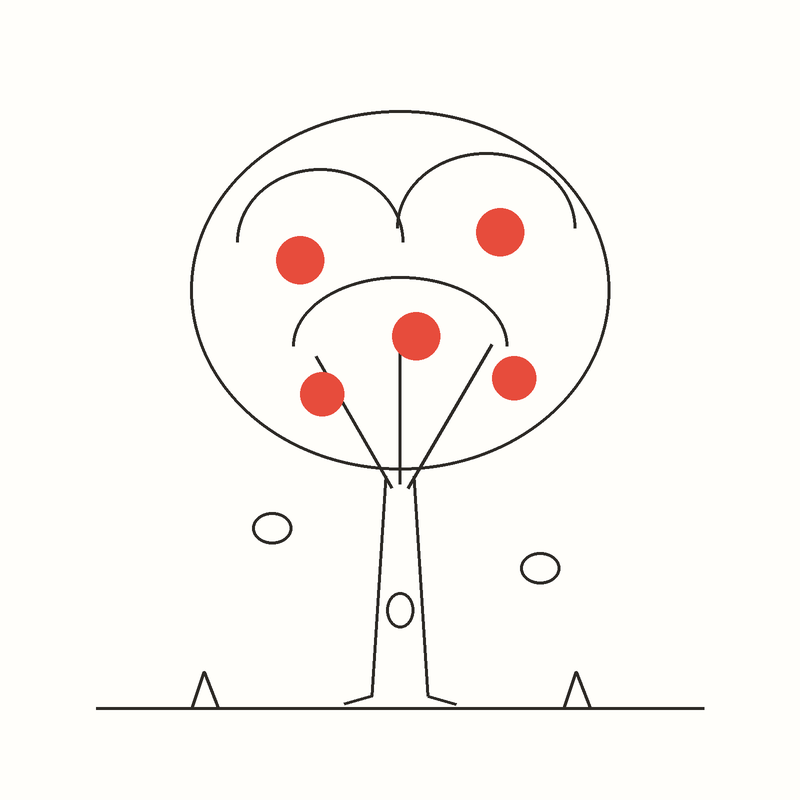
The 6 steps
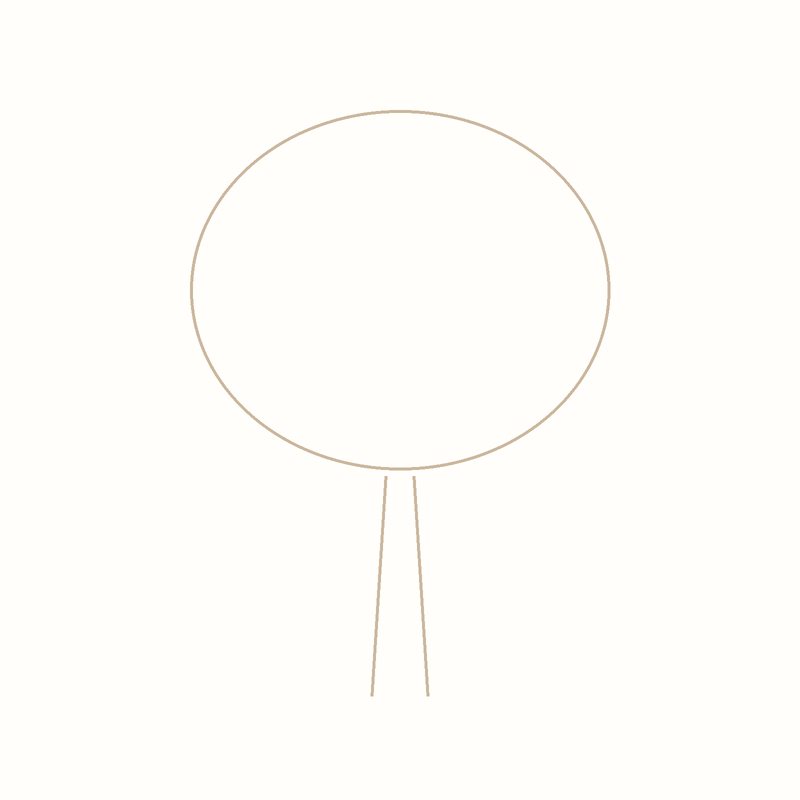
Draw a big round cloud shape for the leafy top, and two lines slanting together for the trunk.
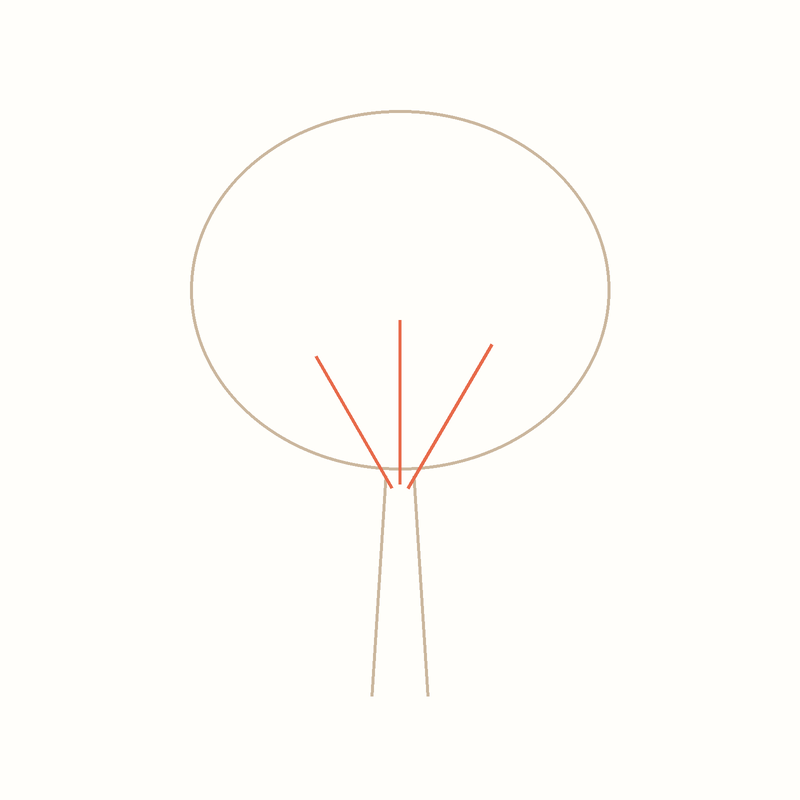
Draw three branches reaching up from the trunk into the leaves, like fingers spreading out.
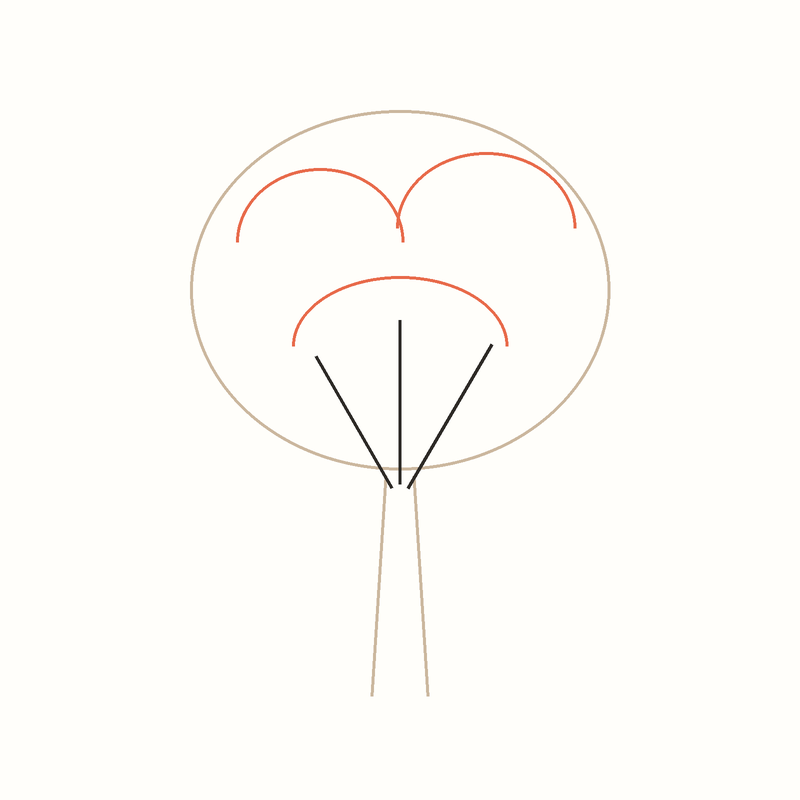
Add three bumpy curves inside the canopy to make the leaves look fluffy.
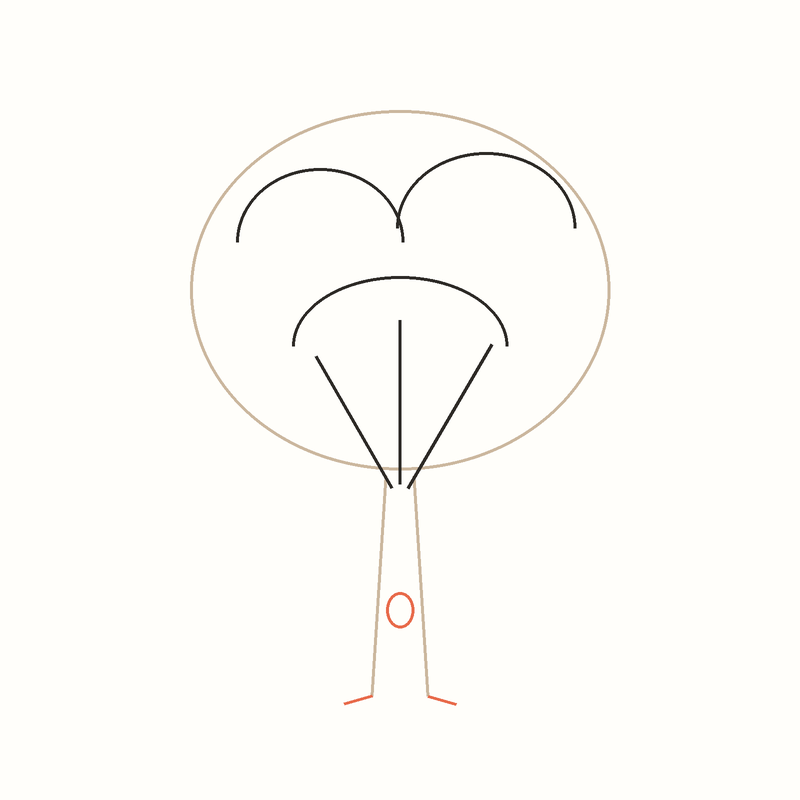
Add root flares where the trunk meets the ground and a little knot hole in the trunk.
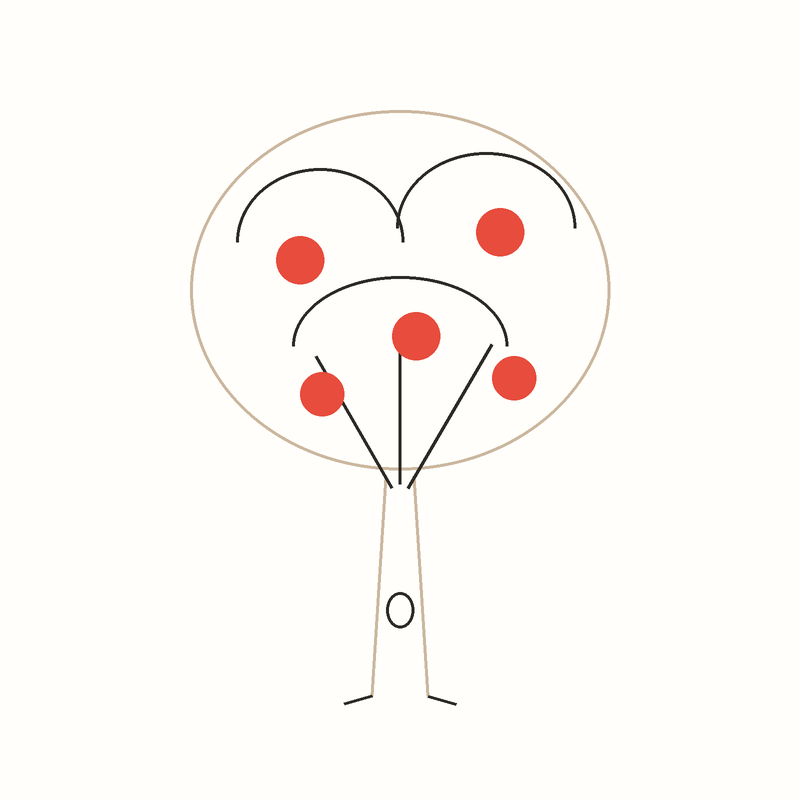
Dot five red apples around the canopy — spread them out, not in a row.
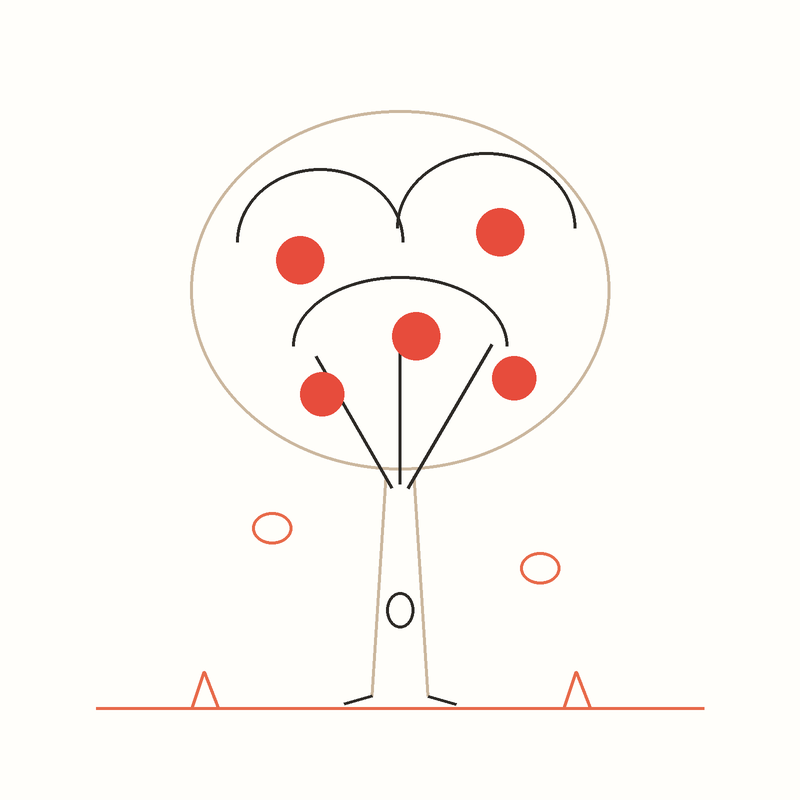
Finish with the ground line, two grass tufts, and two leaves falling. Done!
Coach tips for this lesson
Before you call it done, run these three checks — they're the same ones the app asks in its Coach Check:
- Is the trunk centred under the canopy?
- Do the branches stay hidden inside the canopy at their tips?
- Are the apples spread around the whole canopy?
A tree balances its canopy on the trunk, so the trunk should rise into roughly the middle of the leafy circle. If the trunk is off to one side, the tree looks like it is toppling. Find the canopy's centre by its widest points and aim the trunk there; a slight taper — wider at the ground, narrower at the top — makes it look strong.
Branches should disappear into the leaves, not poke out of them. Each branch starts thick at the trunk and ends inside the canopy, hidden by the fluffy inner curves. If a tip sticks out past the outline, either shorten the branch or add a leaf bump around it — never leave a stick poking out of the green.
Apples grow all over a tree, so scatter them: some high, some low, some left, some right, with uneven gaps between them. Rows and perfect patterns look fake. A good trick is to place apples at the points of an invisible zigzag across the canopy, and vary their sizes just a little.
Finish this lesson in the app
In the free Draw.guru app you can trace this lesson on screen for an instant score, or photograph your paper drawing and overlay it on the reference with Smart Compare. Join the waitlist for launch.
One launch email, that's it. No spam, unsubscribe any time.